
🛠️ Configuration
Available Minigames
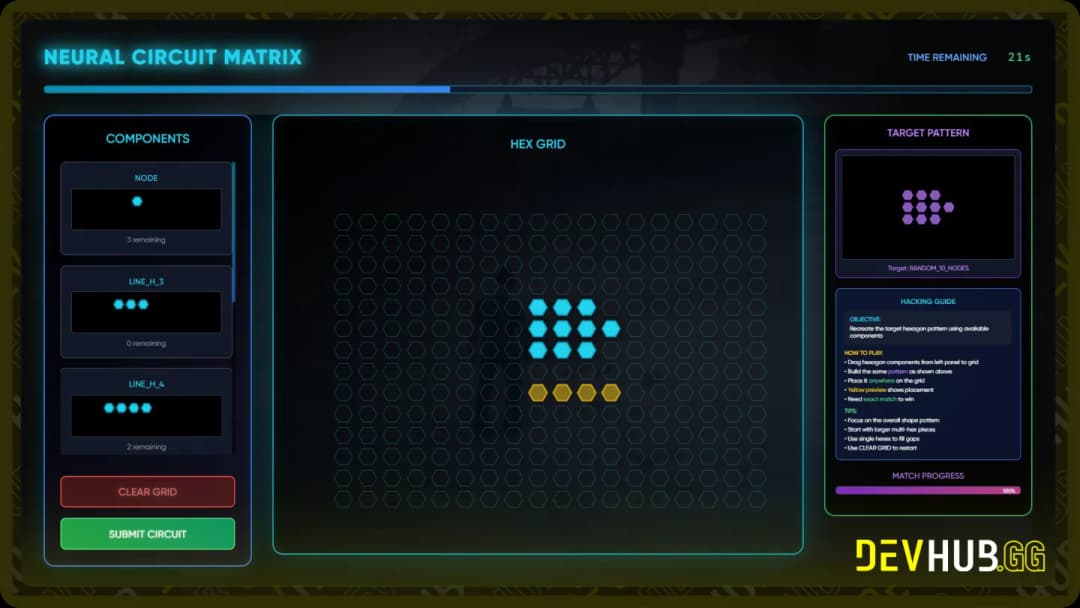
Circuit Minigame
Game ID: circuit
A puzzle-based minigame where players must complete electrical circuits by connecting nodes and paths.
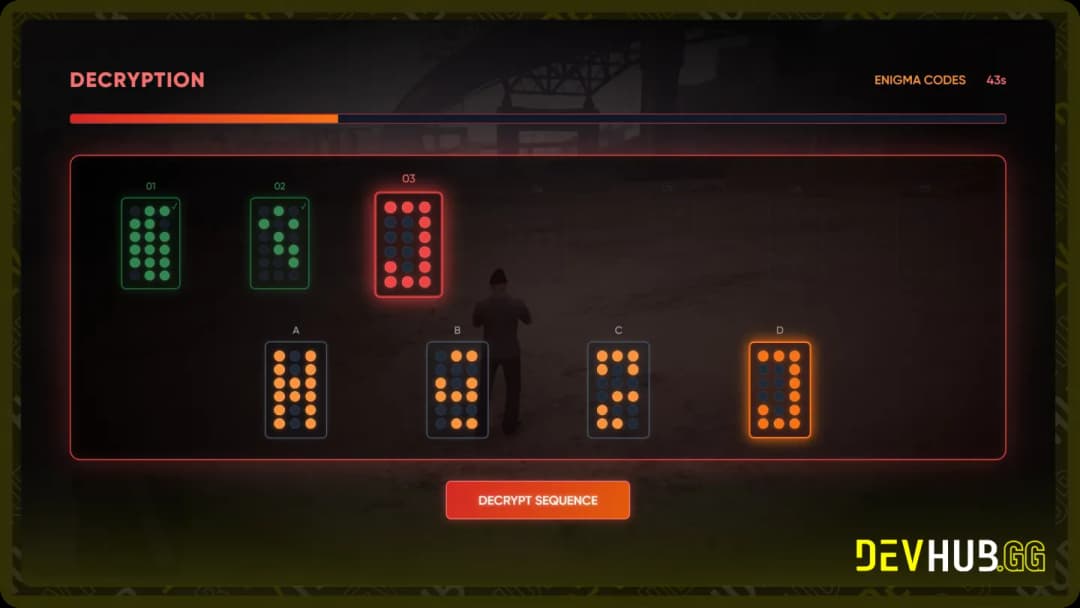
Enigma Minigame
Game ID: enigma
A sequence-based decryption challenge where players must decode encrypted patterns within a time limit.
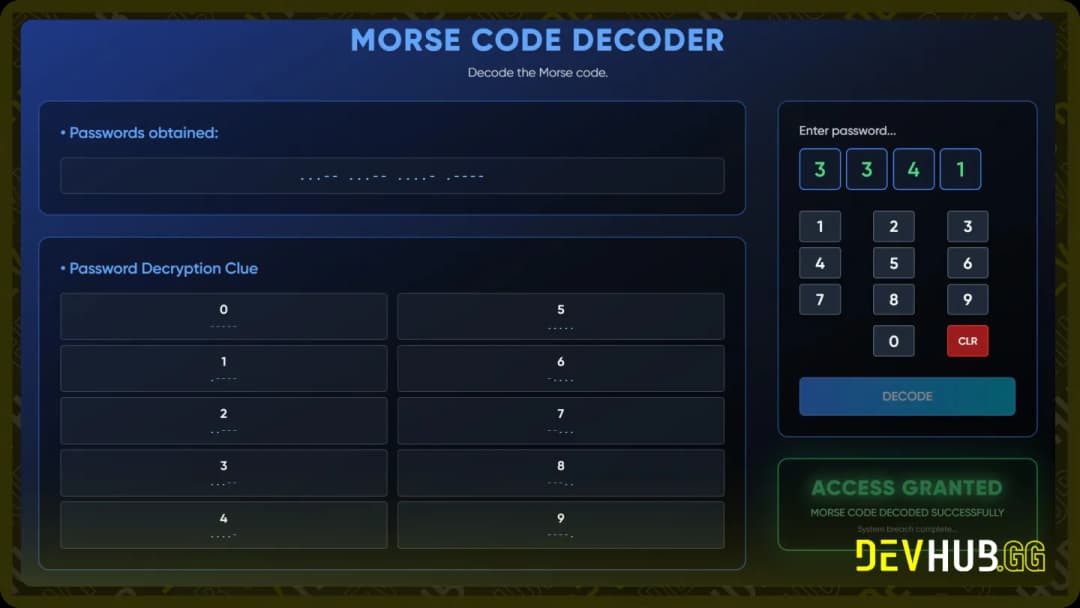
Morse Code Minigame
Game ID: morse
A communication-based challenge where players must decode morse code messages using dots and dashes.
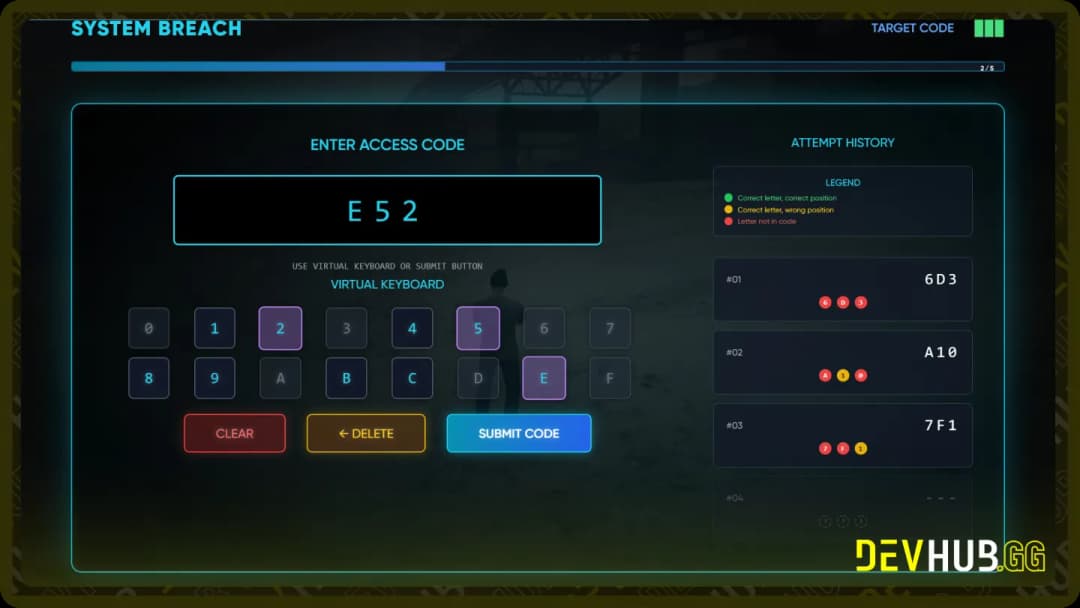
Bruteforce Minigame
Game ID: bruteforce
A password cracking simulation where players must break through security systems using various techniques.
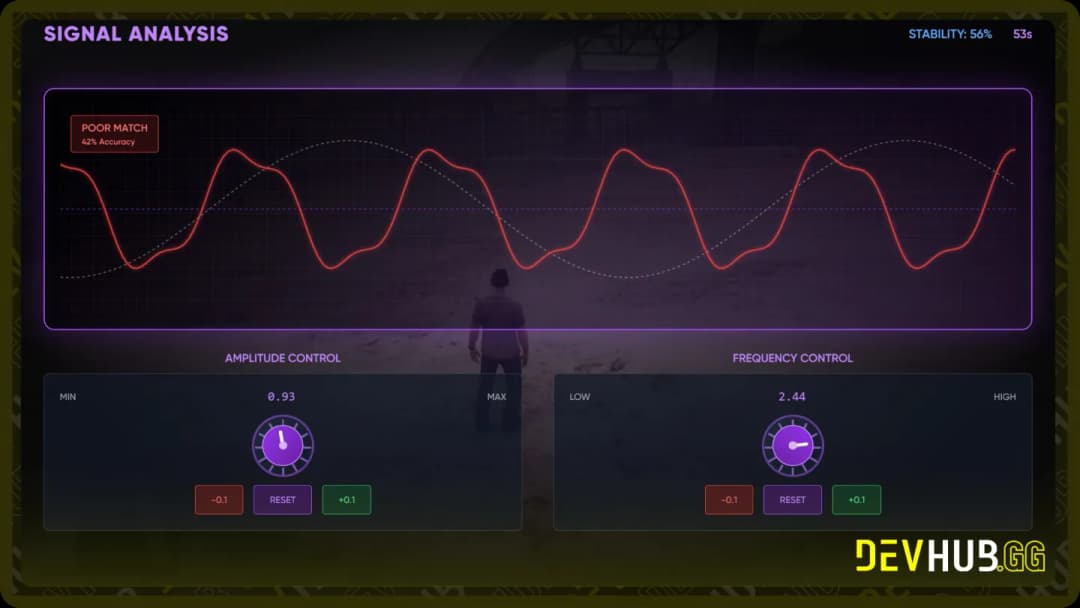
Tuning Minigame
Game ID: tuning
A frequency-based minigame where players must tune into the correct frequency or signal.
Command Configuration
Lua
Config.CommandEnabled = true- Description: Controls whether the test command for minigames is enabled or disabled.
- Default:
true - Usage: When enabled, allows the use of
/startMinigamecommand for testing purposes.
Command Usage
When Config.CommandEnabled is set to true, you can use the following command:
Lua
/startMinigame [minigame] [time]Parameters:
- minigame: The type of minigame to start
- Available options:
circuit,enigma,morse,bruteforce,tuning
- Available options:
- time: Time limit in seconds (default: 60)
Examples:
Lua
/startMinigame circuit 60
/startMinigame enigma 45
/startMinigame morse 30
Export Function
Lua
local result = exports['devhub_hackingMinigames']:startMinigame(minigame, time)- Description: Programmatically start a minigame from another resource.
- Parameters:
minigame(string): The minigame type to starttime(number): Time limit in seconds
- Returns: Boolean indicating success or failure of the minigame
- Example Usage:
Lua
local success = exports['devhub_hackingMinigames']:startMinigame("circuit", 60)
if success then
    print("Player successfully completed the minigame!")
else
    print("Player failed the minigame.")
end
Integration
To integrate these minigames into your scripts:
- Basic Integration:
Lua
local result = exports['devhub_hackingMinigames']:startMinigame("circuit", 45)
if result then
    -- Player succeeded
    -- Grant rewards, continue mission, etc.
else
    -- Player failed
    -- Handle failure, retry option, etc.
end- Advanced Integration EXAMPLE:
Lua
-- Before starting a heist hacking sequence
if PlayerHasHackingDevice() then
    local minigameType = GetRandomMinigame() -- Your custom function
    local timeLimit = CalculateTimeLimit() -- Based on player skill, etc.

    local success = exports['devhub_hackingMinigames']:startMinigame(minigameType, timeLimit)

    if success then
        TriggerEvent('heist:hackingSuccess')
    else
        TriggerEvent('heist:hackingFailed')
    end
end
Sound Configuration
Path: html/config.js
Lua
window.config = {
    soundVolume: 0.5,
};- Description: Controls the volume level for minigame sound effects.
- Range: 0.0 to 1.0 (0% to 100%)
- Default: 0.5 (50%)